Overview
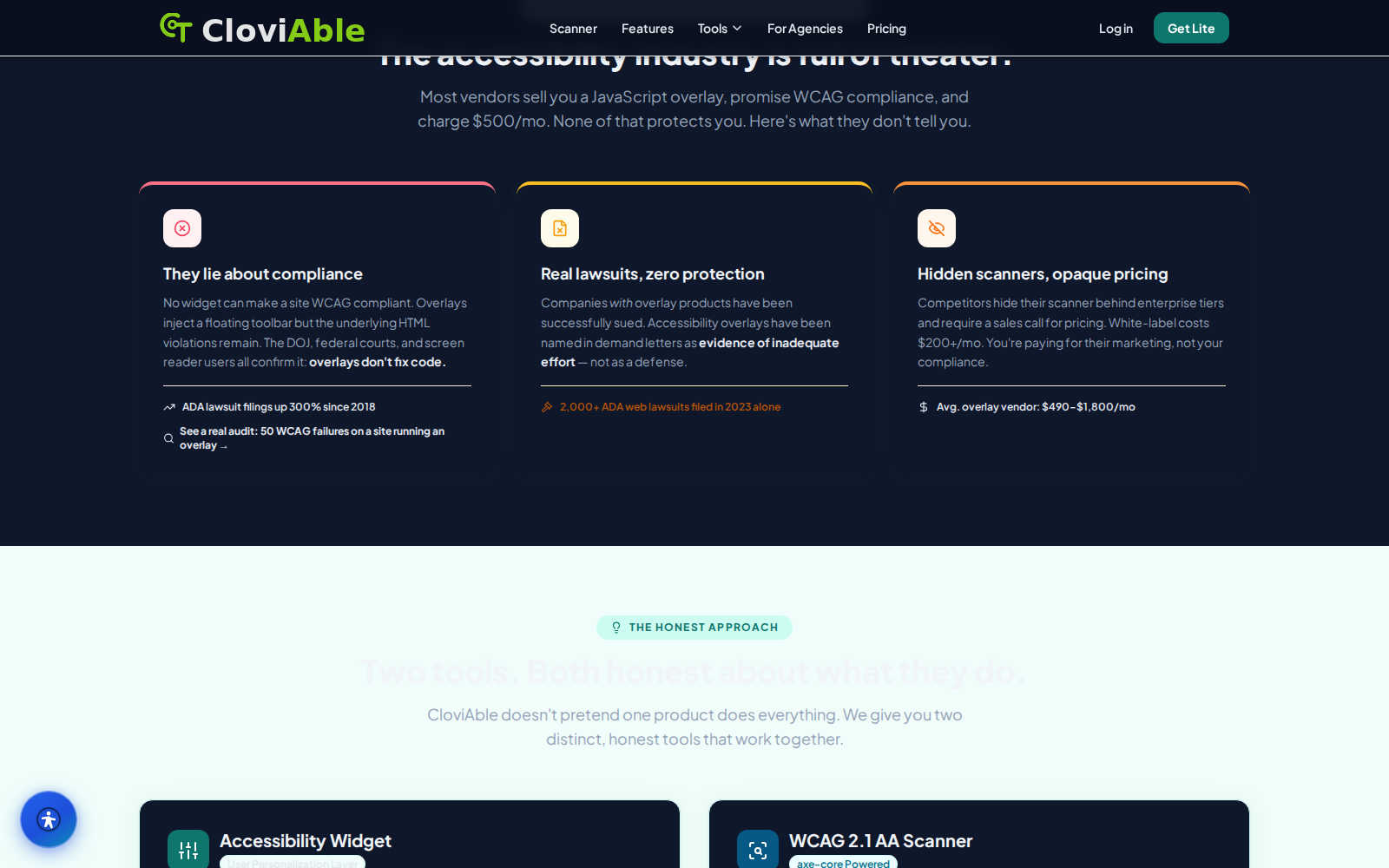
Accessibility overlays are easy to sell — and even easier to oversell. Plenty of vendors will inject a floating toolbar onto your site, promise you full compliance, and walk away with hundreds of dollars a month. Meanwhile, the underlying code violations sit there untouched.
CloviAble takes a different path — the honest one. It scans your actual source code, shows you real WCAG findings, and gives your visitors genuine personalization controls. No smoke and mirrors. No pretending a widget can magically fix a broken website on its own.
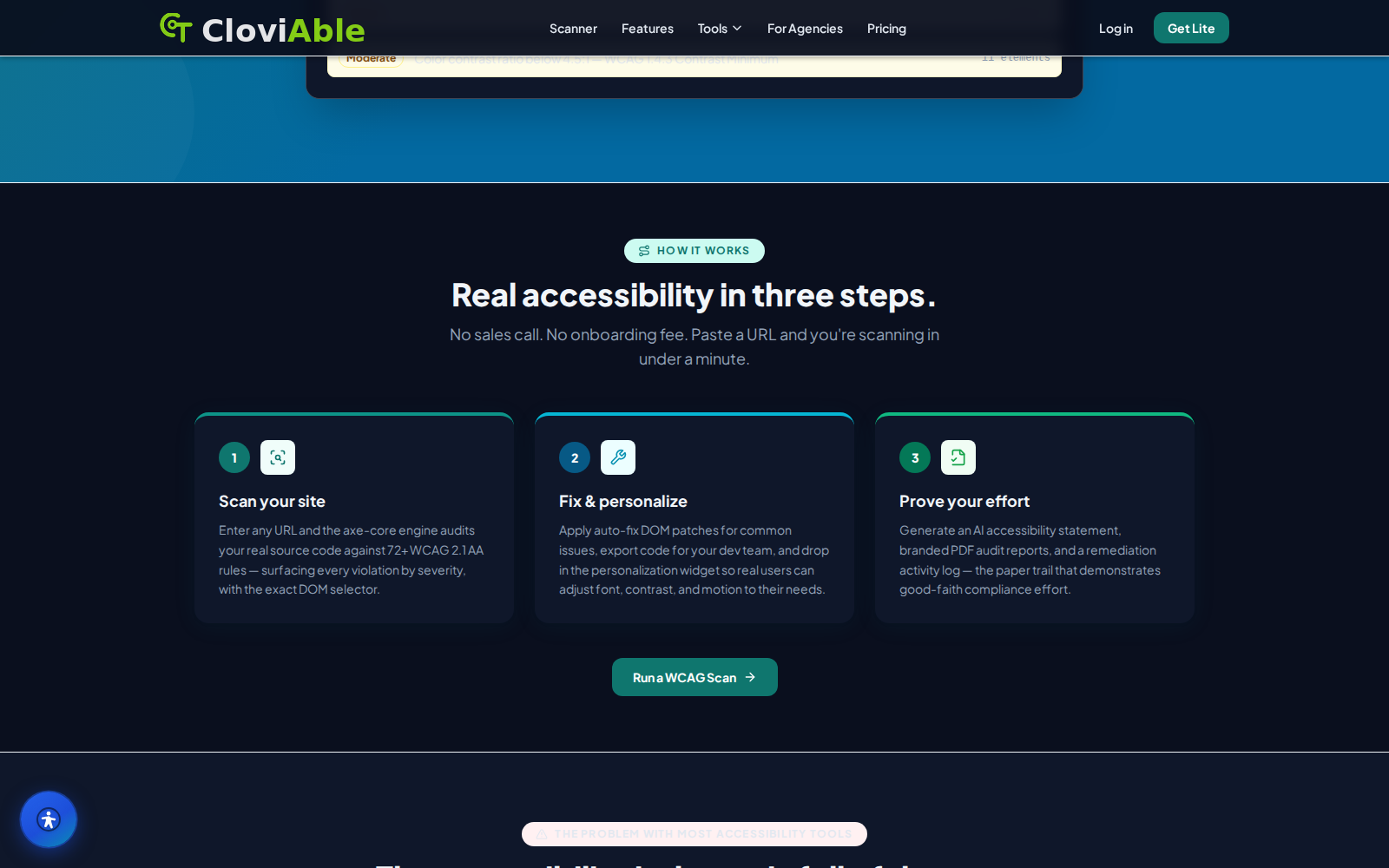
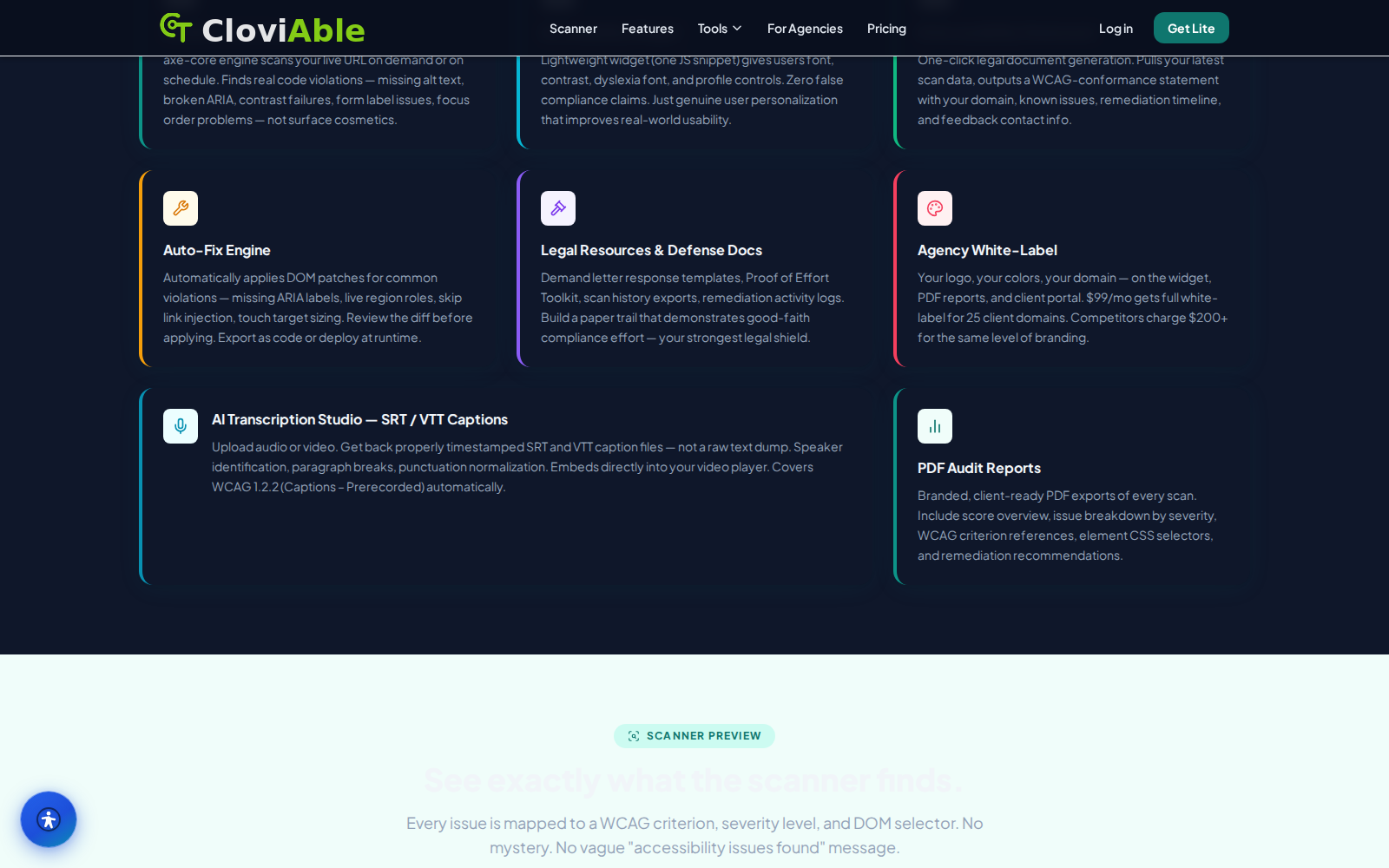
CloviAble brings everything you need for web accessibility into one place — a WCAG 2.1 AA scanner powered by axe-core, a widget that lets users personalize their experience, AI-generated documentation that proves conformance, and a DOM auto-fix engine you can review before it runs. Every fix is tracked with a full remediation paper trail.
WCAG 2.1 AA scanner powered by axe-core
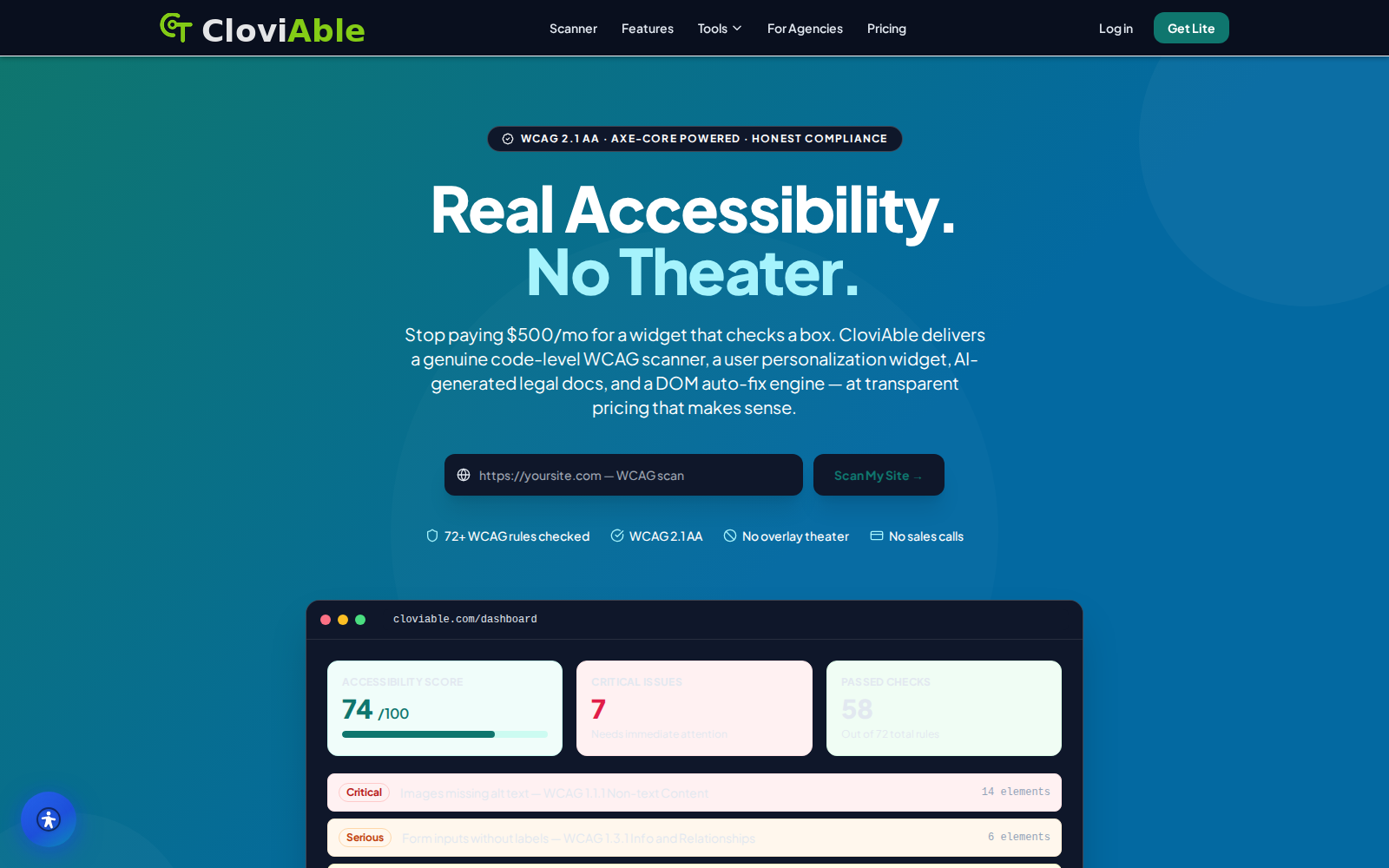
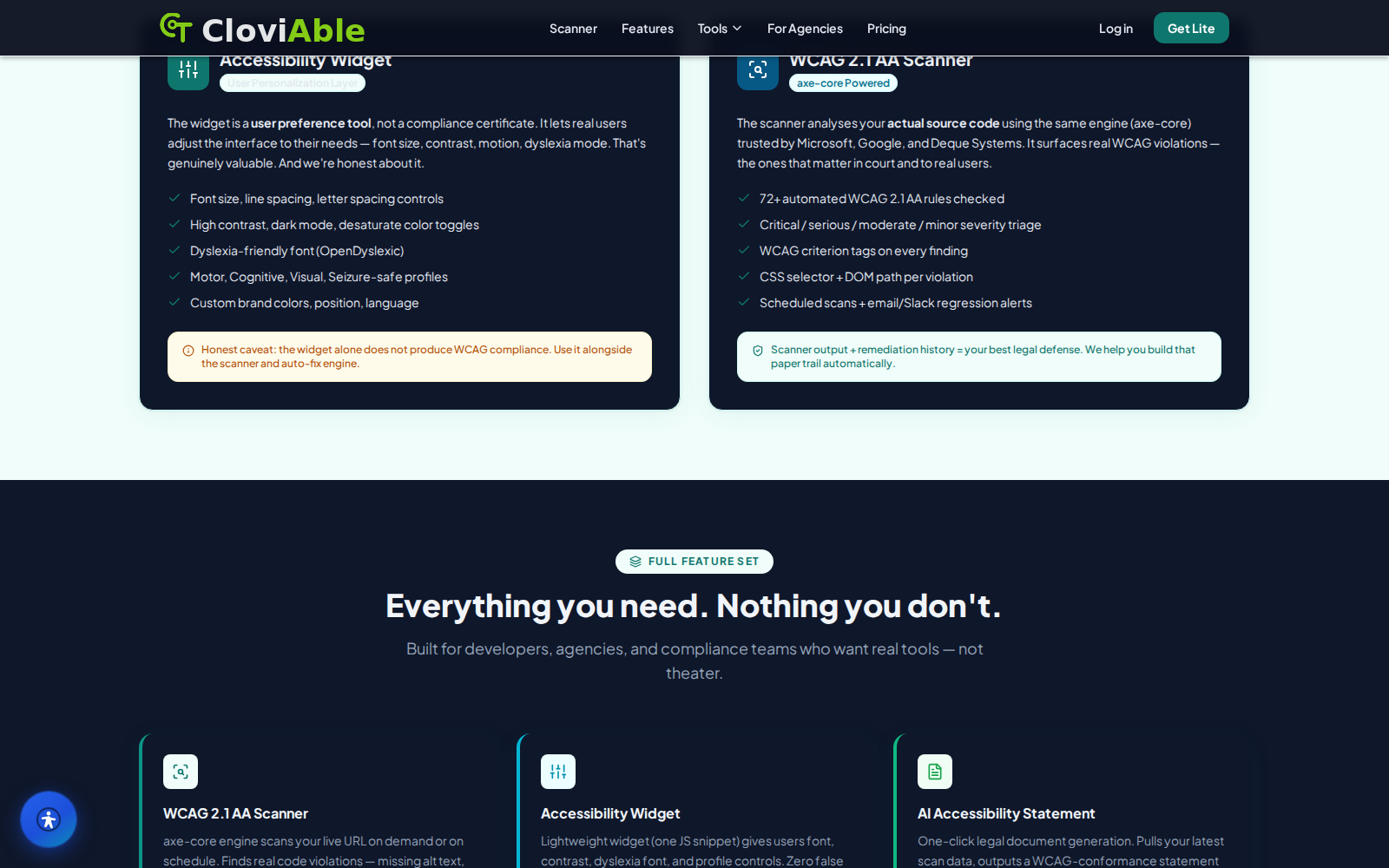
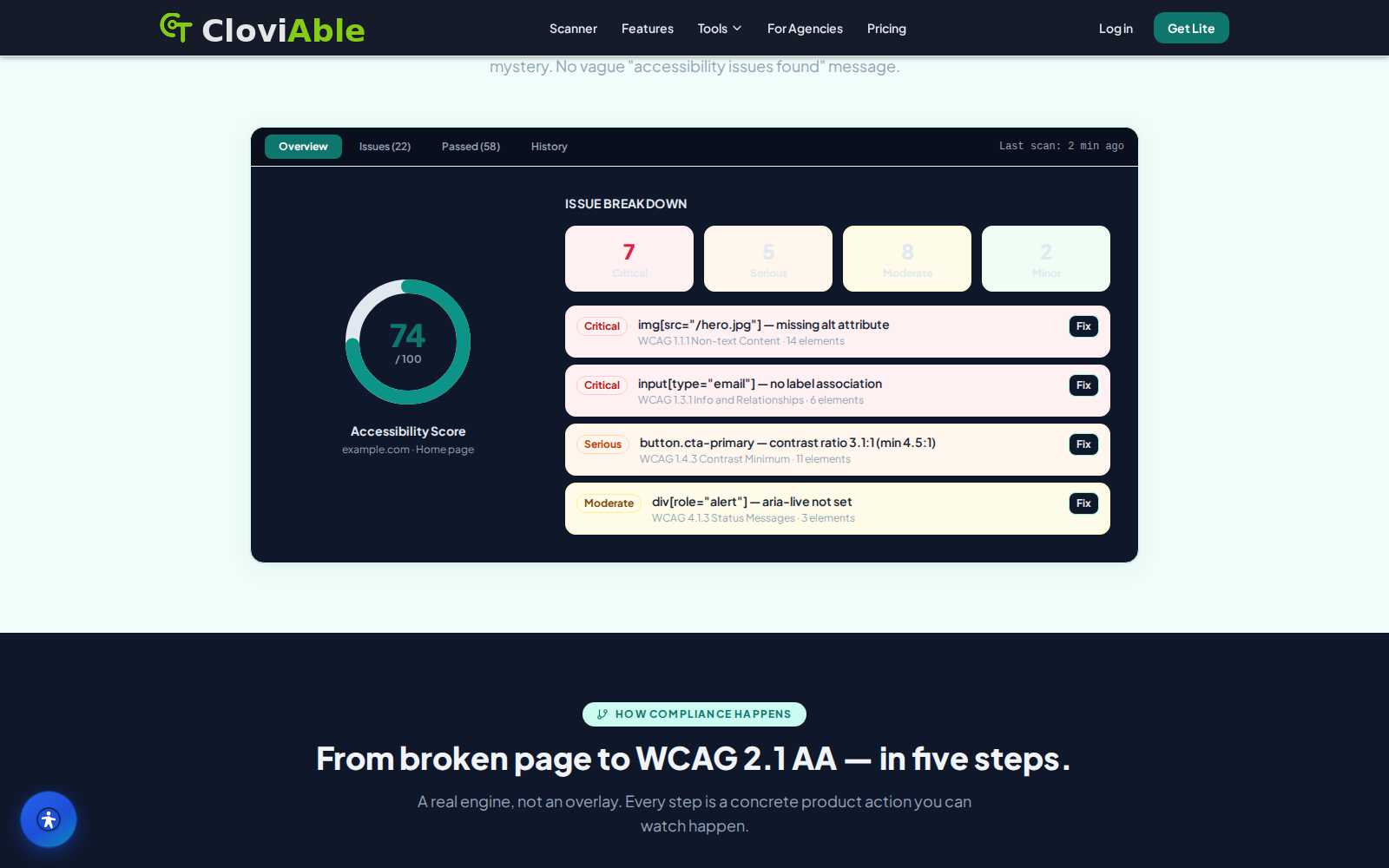
Paste any URL and the scanner digs into the real source code — using axe-core, the same open engine that accessibility auditors rely on across the industry. It surfaces violations by severity and tags each finding with the specific WCAG criterion it breaks, plus the exact DOM selector where the problem lives. Missing alt text? Unlabeled form inputs? Low color contrast, broken ARIA, focus order chaos? All easy to locate.
Here's what matters: because the engine is open and auditable, you can independently verify the findings. No blind trust required.
Scans run on demand or on a schedule — your choice. Email and Slack alerts ping you the moment a regression appears, so nothing slips through unnoticed.
User-personalization widget
A single lightweight JavaScript snippet — just one — drops a personalization widget right into your interface, letting real visitors reshape what they see to match their needs. Users can bump up font size, switch to a dyslexia-friendly typeface, flip on high contrast or dark mode, drain the color away, even dial back motion that makes them queasy. The widget doesn't pretend to be something it's not. It's honest — a preference tool that makes day-to-day browsing better, not some compliance badge you wave around to satisfy auditors.
It stays clean. Non-intrusive. No heavy floating bubble cluttering the screen.
And here's the thing: when you use it alongside the scanner and auto-fix engine, visitors get immediate control while the deeper code work keeps grinding away in the background. Why shouldn't they have power over their own experience while you're still fixing what's broken underneath?
AI-generated conformance documentation
CloviAble takes your scan data and — with a single click — turns it into a written accessibility conformance statement. The real thing, not a template. It pulls the latest findings straight from the scan and builds a statement that carries your domain, the known issues it found, your remediation timeline, and a contact for feedback. So what gets published isn't some boilerplate placeholder — it's the actual state of your site, right now.
That matters. Because it keeps your public claims grounded in what the scanner actually sees.
The document can be regenerated as the site improves. As you fix things, you update the statement. It stays current. Honest. It's meant to support a transparent, good-faith record — not to assert legal protection or hide behind lawyer-speak. Just the truth of where you are and where you're headed.
Reviewable DOM auto-fix engine
For the common, well-understood issues, the auto-fix engine steps in with DOM patches. Adding missing ARIA labels. Injecting skip links. Applying live region roles, correcting touch target sizing. The everyday fixes.
Each change shows up as a diff, right there for review before anything touches the live site. Because who wants surprises?
The fixes can go one of two ways: export them as code for your development team to fold into the source, or deploy them at runtime when you can't wait for the next release cycle — when a proper code change isn't yet possible. The engine knows its limits. It tackles what it can handle reliably and leaves the heavy structural work to actual developers, to real code changes.
This approach keeps remediation transparent. Under control. The site owner decides what happens and when — not some black box making changes in the dark.
Remediation paper trail and team dashboard
An admin dashboard pulls everything together — configuration, scan history, reporting. All in one place.
Scheduled scans fire automatically. Regression alerts catch new problems before they spread. Exports document the work. Remediation logs track every fix. Together, they build something more valuable than a clean report: proof of effort over time, a living record that shows you've been working — consistently, in good faith — to make things better.
For agencies juggling multiple clients, it's a lifeline. Manage accessibility across a dozen domains without losing your place.
Higher tiers? That's where white-label branding comes in. The widget carries your logo now. Reports wear your colors. Even the portal lives on your domain. Why does this matter? Because clients remember brands, and trust follows consistency.
The result isn't a snapshot frozen in time — it's a documented history. Progress you can point to. Growth you can prove.
CloviAble is built for site owners and agencies who want accessibility work grounded in reality — auditable scanning, honest documentation, reviewable fixes, and a personalization widget that actually helps the people who visit your site. No smoke and mirrors. It pairs the transparency of an open scanning engine with the convenience of one-click reporting and a clear remediation record you can show anyone. Instead of an open-ended monthly widget tax that never stops billing, this lifetime deal from CloviTek AI bundles those tools with monthly-renewing scan and domain credits. Start scanning a site in under a minute, see the real findings — not inflated scare tactics — and build a transparent accessibility record that means something. Why keep renting honesty by the month? Grab the lifetime deal and own it outright.